Can AI generate product photos without a camera or photographer?
Yes. AI product photography tools turn an ordinary phone photo into studio-quality product images — changing the background, the lighting, the angle, and the styling without a camera setup or a photographer. The best results come from uploading a clear, well-lit photo of your product and letting the AI re-render it in a chosen style. The honest limits: AI is excellent at backgrounds, lighting, and composition, and weaker at exact text on packaging and very fine product details — shoot a clean source photo and review the output for accuracy before publishing.
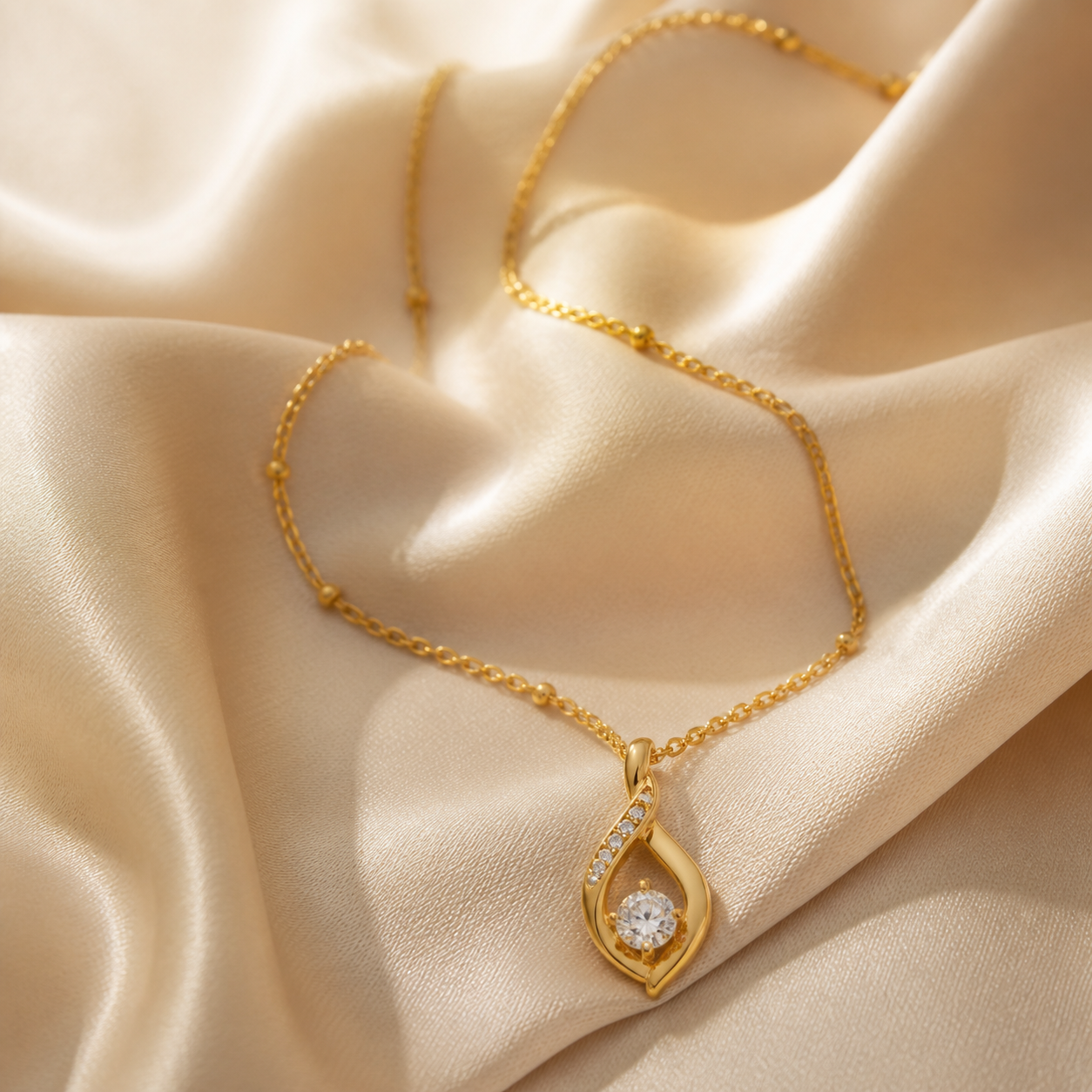
What AI product photography does well
Backgrounds and scenes: a plain product shot becomes a marble table, a forest, a kitchen counter, or a pure white studio background in seconds. This is the single biggest use — replacing background work that used to cost $20-50 per image.
Consistency: AI tools apply the same style across a whole catalog, which is the hardest thing for a small seller to achieve manually and the biggest quality signal buyers see.
Speed and cost: one image in seconds instead of a studio session. For a 20-product shop, that's the difference between a weekend and a month.
Where AI still struggles
Text on packaging: AI image models still garble small text on bottles and boxes. If your product label has a lot of fine print, either shoot it traditionally or accept that the AI version is for lifestyle shots, not the label shot.
Very fine product detail: jewelry settings, fabric weave, and complex mechanical parts can render imperfectly. A high-quality source photo dramatically reduces this.
Brand-exact color: AI re-renders may shift product colors slightly. Compare against the real product and the original photo before publishing.
How to get good AI product photos
Start with a sharp, evenly lit source photo on any background — the AI needs a clean read of the product to re-render it.
Shoot the product from the angle you want the final image to have; it's easier to change background and lighting than to re-angle a product.
Review every output for accuracy (text, color, shape) before it goes live. AI is a tool that removes the studio, not the final quality check.
Frequently asked questions
Is AI product photography good enough for Amazon and Etsy?
For most categories, yes — AI-generated backgrounds and scene shots meet marketplace quality standards, and Amazon even offers its own AI background-generation feature for sellers. Keep the main Amazon image requirements in mind (pure white background), and always check the output for product accuracy.
Do buyers notice AI product photos?
Buyers notice results, not process — if the photo looks professional and represents the product accurately, it converts. In practice, many buyers already browse listings with AI-generated scenes and can't tell; what they do notice is inconsistency and misrepresentation.
What's the best way to generate product photos with AI?
Upload a clean, sharp, well-lit source photo of the product, then apply a style: pure white studio for marketplaces, or lifestyle scenes (marble, wood, outdoor) for brand imagery. Tools like noprompt.design are built specifically for this — no prompt writing, upload and pick a style.